iOS Shortcut · Obsidian
Skincare Log
I kept forgetting what I put on my face. So I built a one-tap shortcut that logs everything to my calendar and Obsidian vault.
the problem
Skincare routines involve a bunch of products, each with different schedules — some daily, some every other night, some weekly. I'd either forget what I used or lose track of when I last applied something like tretinoin. I wanted a log that was dead simple to fill out, so I'd actually stick with it.
how it works
One tap on the home screen. The shortcut asks which products I used, logs them as calendar events, and optionally appends notes to my Obsidian daily note — all through Apple's Shortcuts app and the Advanced URI plugin.
the flow
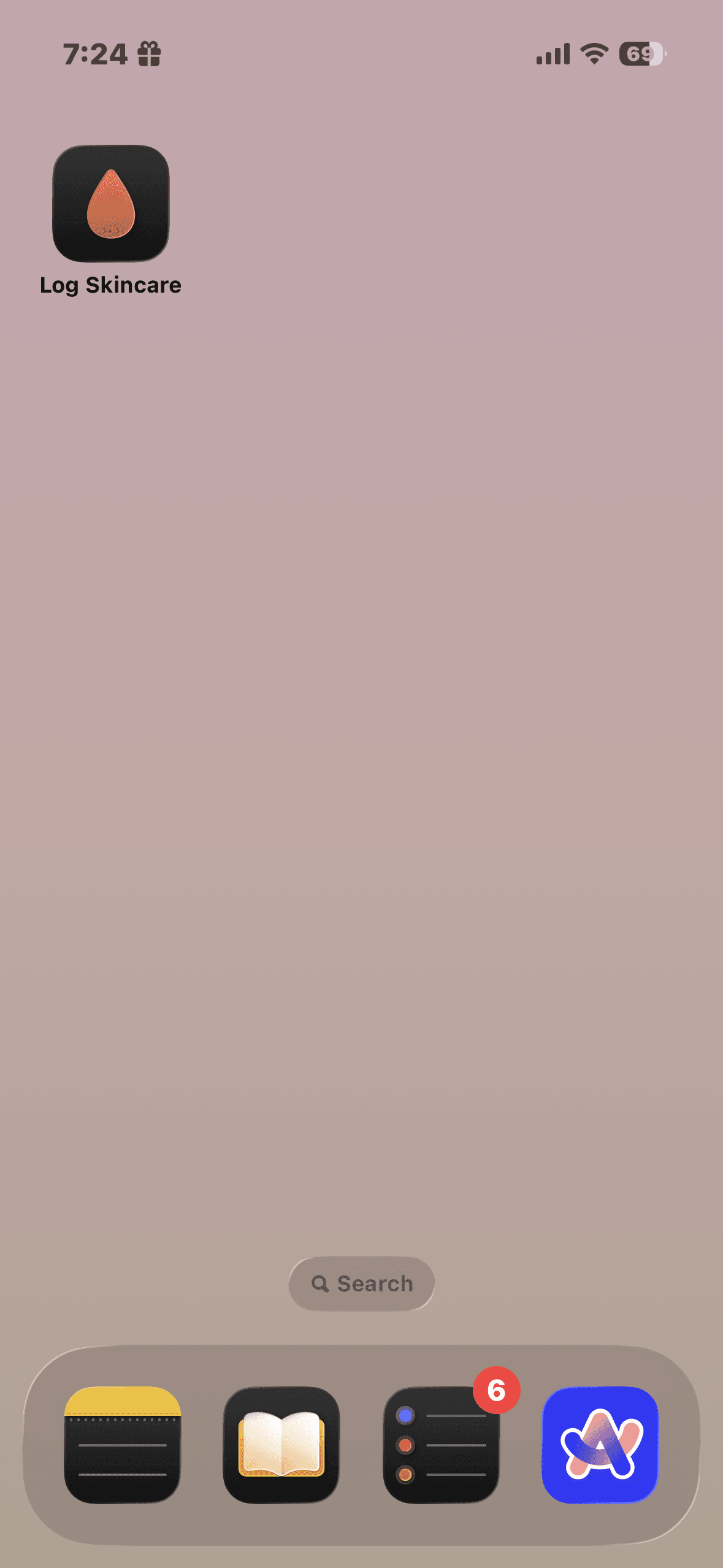
One tap from the home screen
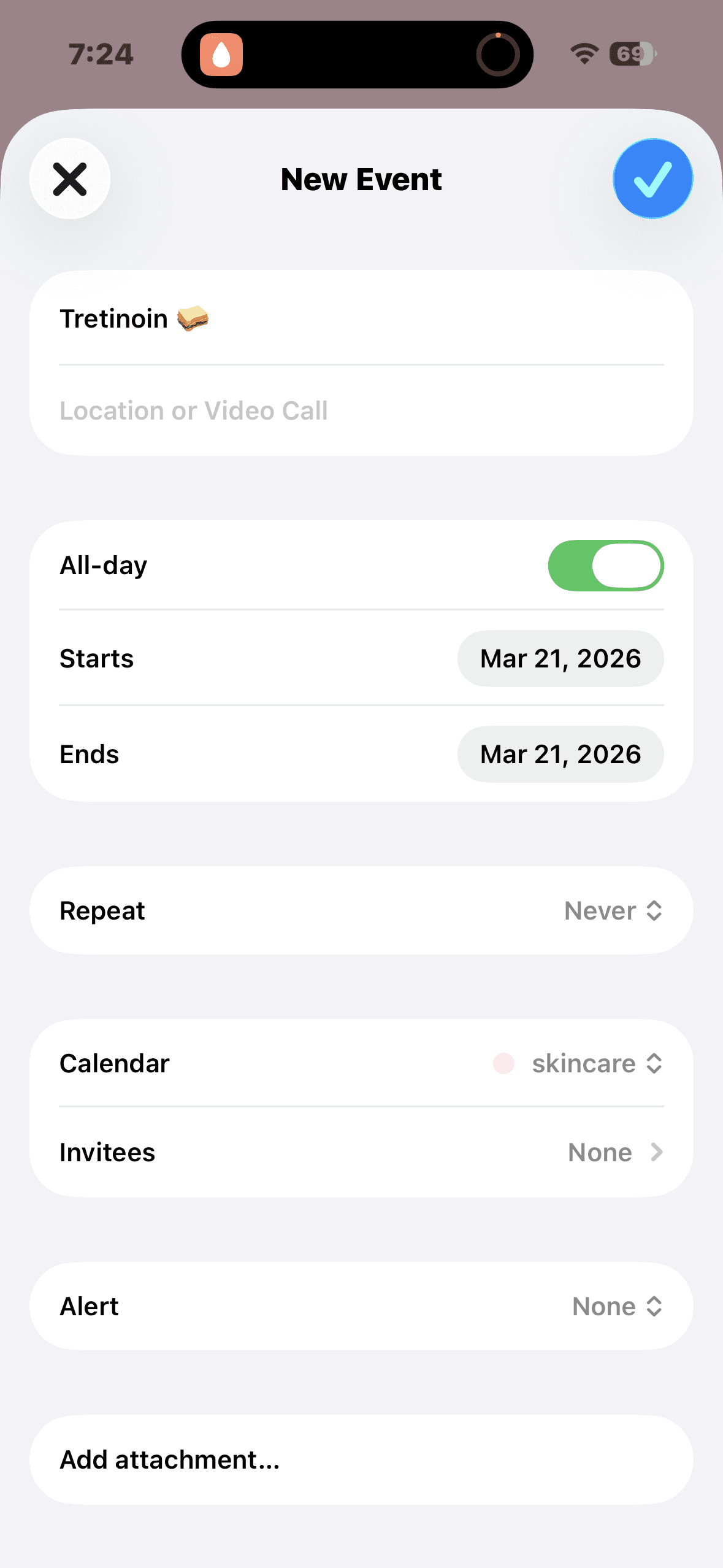
Logged to a dedicated calendar
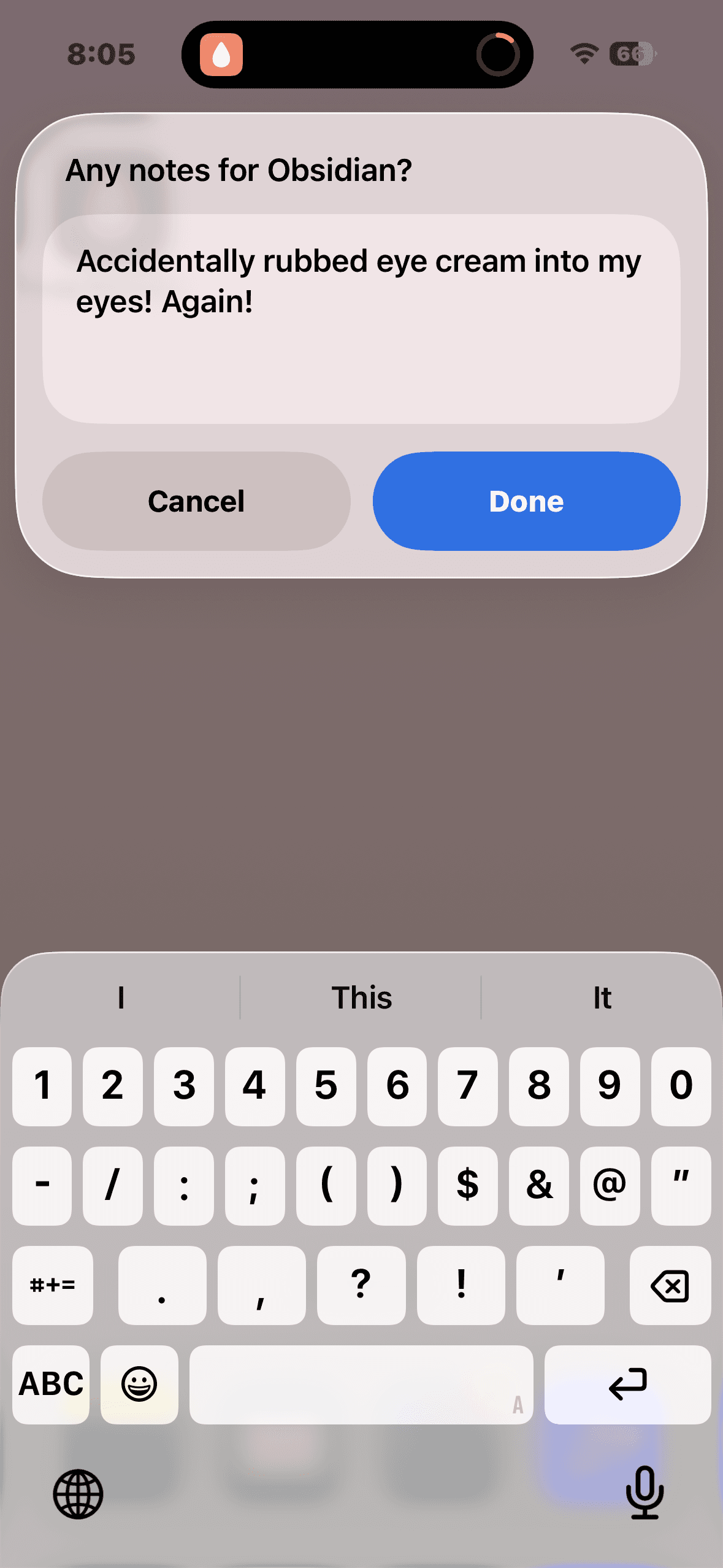
"Accidentally rubbed eye cream into my eyes! Again!"
the result
Every product shows up as a calendar event. Scroll back to any week and see exactly what went on your face.
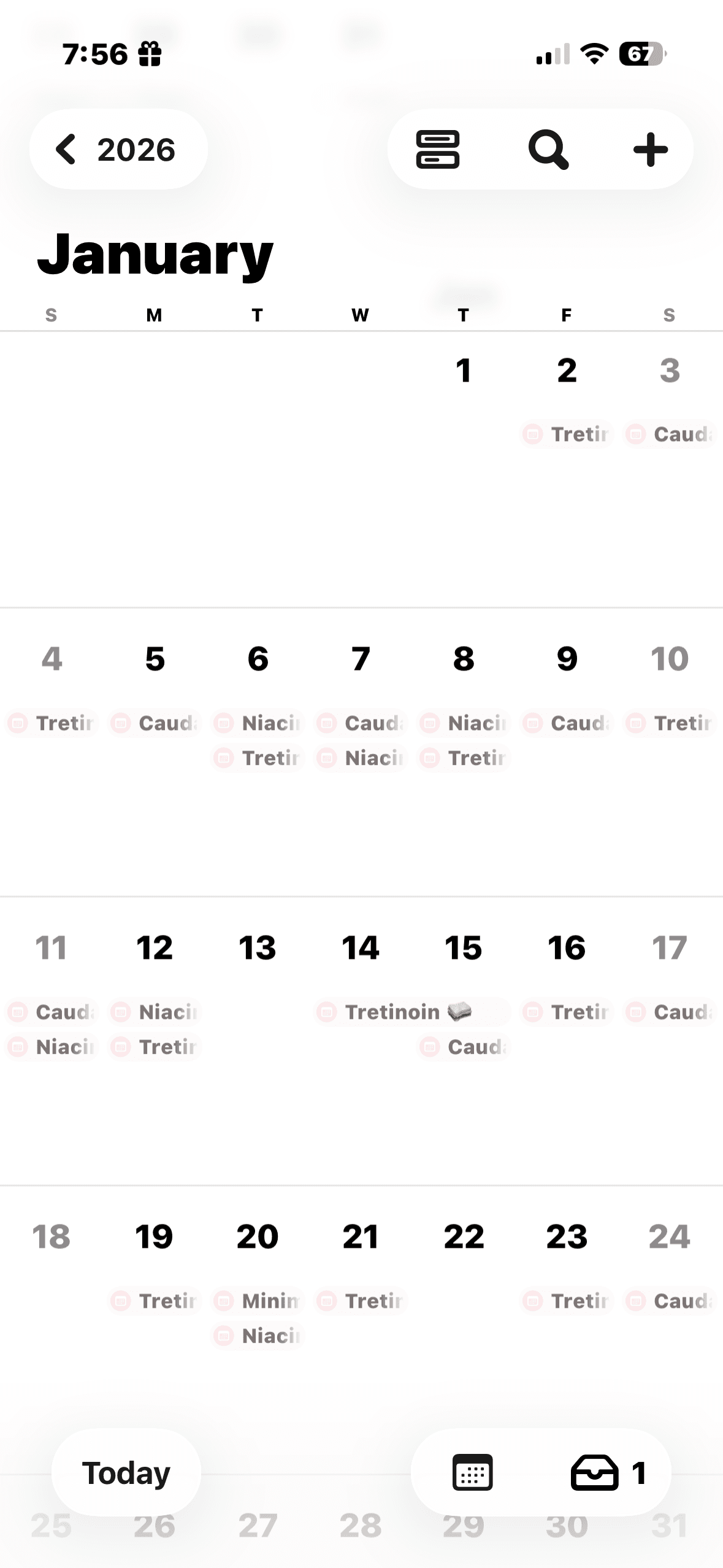
Monthly view
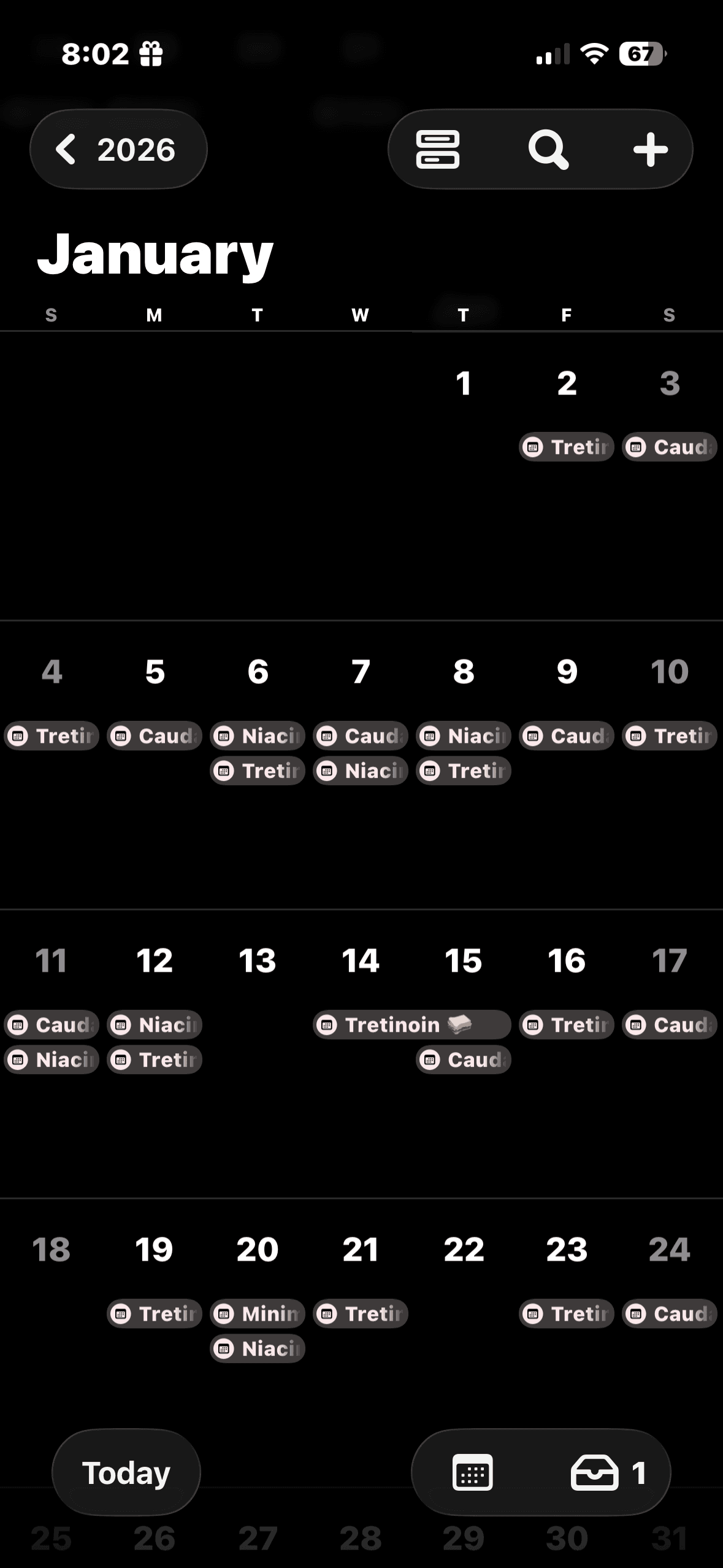
Dark mode
the details
The shortcut uses Apple's built-in "Choose from Menu" action to present a product list. Each selection creates an all-day calendar event on a dedicated "skincare" calendar — so I can scroll back through any week and see exactly what I applied.
The Obsidian integration uses the Advanced URI plugin. After logging to the calendar, the shortcut opens a URL scheme that appends a formatted entry to my daily note. It's one of those things where the setup took an afternoon but it saves me mental overhead every single day.
There's also a Python analysis layer that parses the exported calendar data and generates visualizations — frequency charts, streak tracking, product usage over time.